
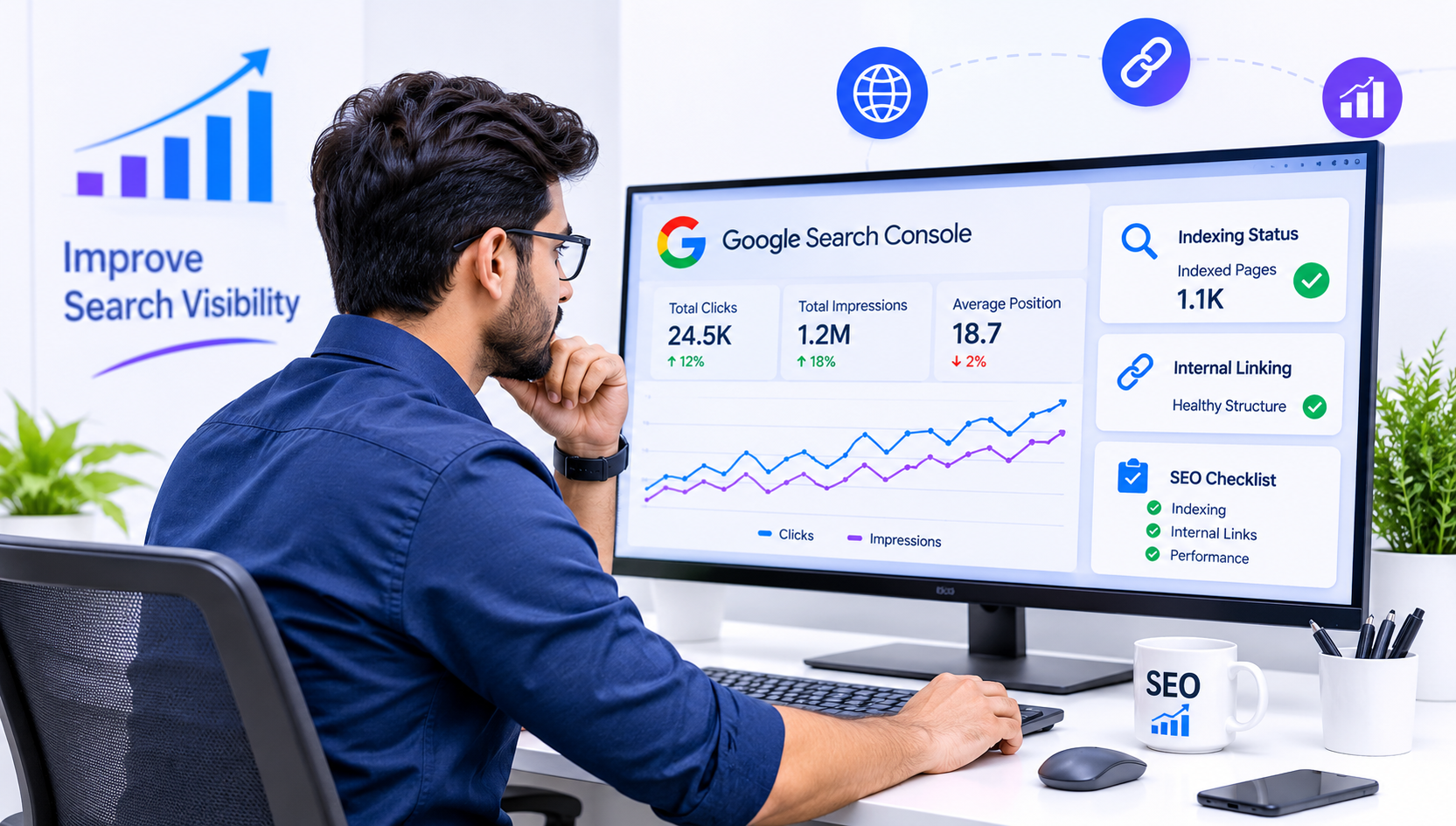
Launching a website or publishing new content is only the beginning of the SEO journey. Getting that website noticed by Google requires regular monitoring, proper optimization and a clear understanding of how search engines discover website pages.
During the first week of an SEO campaign, three important areas deserve special attention: website indexing, internal linking and Google Search Console. These elements help identify technical problems, improve website navigation and make it easier for search engines to understand your website structure.
A proper Week 1 SEO Review helps website owners understand whether their important pages are available in Google's search index, whether internal links are working correctly and whether Google is reporting any indexing or technical issues.
In this guide, we will explain how to review these three important SEO areas, identify common problems and take practical steps to improve your website's search performance.
1. Why Is a Week 1 SEO Review Important?
SEO is not something that can be completed once and forgotten. Search engines continuously discover, crawl and evaluate website content. A website may have excellent content, but technical problems can prevent important pages from appearing in search results.
The first SEO review creates a foundation for future improvements.
Here are some reasons why a weekly SEO review matters:
- Identifies website pages that are not indexed by Google.
- Helps discover crawling and indexing errors.
- Finds broken internal links and navigation issues.
- Checks whether important pages are easy to discover.
- Helps monitor search impressions, clicks and rankings.
- Identifies opportunities for better content optimization.
- Provides a clear direction for the next SEO activities.
Instead of making random changes, website owners can use actual search data to make better optimization decisions.
2. Check Website Indexing in Google
Website indexing is one of the most important parts of SEO. Before a webpage can appear in Google's normal search results, Google generally needs to discover and index it.
Crawling and indexing are different processes. Crawling means Google visits and analyzes a webpage, while indexing means Google processes and stores information about that page for possible inclusion in search results.
How to Check Whether Your Website Is Indexed
There are several ways to check website indexing.
Method 1: Use Google Search
Open Google and enter:
site:yourwebsite.com
Replace yourwebsite.com with your actual domain.
This search operator can show pages from your website that Google has indexed. However, it is not a complete or perfectly accurate indexing report.
Method 2: Use Google Search Console
Google Search Console provides more reliable information about your website's indexing status.
Follow these steps:
- Open Google Search Console.
- Select your website property.
- Navigate to the Page Indexing report.
- Review indexed and non-indexed pages.
- Check the reasons for pages that are not indexed.
- Investigate important URLs individually using URL Inspection.
Common Google Indexing Issues
Some common reasons why webpages may not appear in Google's index include:
- Discovered – currently not indexed: Google knows about the URL but has not indexed it yet.
- Crawled – currently not indexed: Google crawled the page but decided not to index it at that time.
- Page with redirect: The URL redirects to another page.
- Excluded by noindex tag: A robots meta tag or HTTP header prevents indexing.
- Duplicate without user-selected canonical: Google identifies another URL as the preferred version.
- Blocked by robots.txt: Crawling is restricted by the website's robots.txt file.
- Not found (404): The requested webpage does not exist.
Not every non-indexed page is a problem. For example, duplicate pages, filtered URLs and intentionally excluded pages may not need indexing.
The important task is to identify whether your valuable service pages, landing pages and blog posts are indexed correctly.
3. Improve Your Internal Linking Strategy
Internal linking means connecting one webpage to another webpage within the same website.
It is a simple but powerful SEO practice that helps visitors explore related information and allows search engines to understand the relationship between different pages.
For example, a blog about website development costs can link to your website development service page. Similarly, an article about SEO can connect readers to your digital marketing services.
Why Are Internal Links Important for SEO?
A well-planned internal linking structure provides several benefits:
- Helps Google discover important website pages.
- Distributes link equity across relevant pages.
- Improves website navigation.
- Connects related topics and services.
- Encourages visitors to explore more content.
- Helps search engines understand website structure.
Best Practices for Internal Linking
1. Use Relevant Anchor Text
Anchor text is the clickable text used in a hyperlink.
For example:
Instead of writing "Click here", use descriptive text such as "professional website development services".
The anchor text should naturally explain what the linked page is about.
2. Link Blog Posts to Relevant Service Pages
Your blog content should support your business services.
For example:
- Website design articles → Website designing services.
- SEO guides → Digital marketing services.
- Software development articles → Custom software development.
- Hosting guides → Web hosting services.
3. Link Related Blog Posts Together
If you have published multiple articles around website development, SEO or hosting, connect them wherever relevant.
This creates useful topic relationships and helps readers find additional information.
4. Avoid Excessive Internal Linking
Adding too many unnecessary links can make content difficult to read.
Only add links that provide genuine value to visitors.
5. Fix Broken Internal Links
Regularly check your website for internal links that lead to missing pages or incorrect URLs. Update them with the correct destination or remove unnecessary links.
4. Use Google Search Console for Website SEO Monitoring
Google Search Console is a free service from Google that helps website owners monitor how their websites perform in Google Search.
It provides useful information about indexing, search queries, website experience and technical issues.
For any serious SEO campaign, Search Console should be one of the primary monitoring tools.
Important Google Search Console Reports
Performance Report
The Performance report helps you understand how people discover your website through Google Search.
Important metrics include:
- Total clicks
- Total impressions
- Average click-through rate (CTR)
- Average position
For example, if a blog receives many impressions but very few clicks, its page title and meta description may need improvement.
Page Indexing Report
This report helps identify indexed and non-indexed pages. You can investigate the reasons behind indexing exclusions and prioritize important URLs.
URL Inspection Tool
Use this tool to check individual website URLs.
It can help you understand:
- Whether Google has indexed the page.
- Whether the URL is eligible for indexing.
- The last crawl information.
- The selected canonical URL.
- Whether the page has crawl-related problems.
You can also request indexing after making meaningful updates, although submitting a request does not guarantee immediate indexing.
Sitemaps Report
A sitemap helps search engines discover important website URLs.
Submit your XML sitemap through Google Search Console and monitor whether Google can read and process it successfully.
Core Web Vitals Report
This report provides information about real-world page experience using metrics such as loading performance, responsiveness and visual stability.
Improving these areas can help create a better experience for website visitors.
5. Technical SEO Checklist for Week 1
A technical SEO review helps identify website issues that may affect crawling, indexing and overall search performance.
Here is a practical checklist to follow during the first week.
SEO TaskWhat to CheckGoogle indexingImportant pages are indexedXML sitemapSitemap is submitted successfullyRobots.txtImportant pages are not blockedMeta robotsNo accidental noindex tagsCanonical tagsCorrect preferred URLsInternal linksRelevant pages are connectedBroken linksNo unnecessary 404 destinationsMobile usabilityWebsite works properly on mobileHTTPSSecure website connectionCore Web VitalsReview page experience metricsPage titlesUnique and descriptive titlesMeta descriptionsRelevant descriptions for important pages
Completing this checklist gives you a clearer understanding of your website's current SEO health.
6. Common SEO Mistakes to Avoid During the First Week
While reviewing your website, avoid making changes without understanding their impact.
Here are some common mistakes that can affect SEO performance:
Ignoring Non-Indexed Important Pages
If important service pages or blogs are not indexed, investigate the reason instead of assuming Google will automatically index everything.
Creating Too Many Unnecessary Internal Links
Internal links should connect related content. Adding links simply to increase their number does not create a useful website structure.
Changing URLs Without Proper Redirects
Changing an existing page URL without setting up a suitable redirect can create broken links and affect existing search visibility.
Ignoring Search Console Warnings
Not every warning requires immediate action, but important indexing and technical issues should never be ignored.
Expecting Immediate Ranking Improvements
SEO takes time. Search visibility depends on several factors, including content quality, competition, website authority and technical health.
A first-week review should focus on identifying issues and establishing a reliable foundation rather than expecting instant ranking improvements.
7. What Should You Do After Completing Week 1?
Once the first SEO review is complete, organize the findings and prepare an action plan.
A simple approach is to divide tasks into three categories:
High Priority
- Fix accidental noindex tags.
- Resolve important crawling restrictions.
- Correct incorrect canonical URLs.
- Fix broken links on important pages.
- Ensure important service pages are discoverable.
Medium Priority
- Improve internal linking.
- Update missing or weak meta descriptions.
- Optimize page titles.
- Review sitemap coverage.
- Improve content navigation.
Ongoing Monitoring
- Track clicks and impressions.
- Monitor indexing changes.
- Review keyword performance.
- Check new blog posts.
- Identify new content opportunities.
This approach makes SEO management more organized and helps prevent important issues from being overlooked.
8. How BEGRIDS Can Help Improve Your Website SEO
A successful website needs more than an attractive design. It also needs a strong technical foundation, useful content and a properly planned SEO strategy.
At BEGRIDS, we understand that businesses need websites that are easy to use, search-engine friendly and designed to support long-term growth.
Our website development and digital marketing services focus on helping businesses build a stronger online presence.
We can help with:
- Website design and development.
- Technical SEO optimization.
- On-page SEO and keyword research.
- Website indexing and Search Console setup.
- Internal linking and website structure.
- SEO-friendly content development.
- Website speed and performance improvements.
- Digital marketing solutions.
Whether you are launching a new business website or improving an existing one, a structured SEO strategy can help create better opportunities for online visibility.
Visit https://www.begrids.com/ to explore our website development and digital marketing services.
Frequently Asked Questions (FAQs)
1. What is a Week 1 SEO Review?
A Week 1 SEO Review is an initial website optimization check that focuses on indexing, internal linking, technical SEO and Google Search Console data. It helps identify problems that should be addressed before moving to the next stage of an SEO campaign.
2. How can I check whether my website is indexed by Google?
You can use the Google search operator site:yourwebsite.com for a quick check. For more detailed information, use Google Search Console's Page Indexing report and URL Inspection tool.
3. Why are my website pages not indexed by Google?
Pages may remain unindexed because of crawling restrictions, noindex directives, duplicate content, weak or limited content, canonical issues or Google's indexing decisions.
4. How do internal links improve SEO?
Internal links connect related pages, help visitors navigate your website and allow search engines to discover important content and understand the website structure.
5. Is Google Search Console free?
Yes. Google Search Console is a free Google service that provides website owners with information about search performance, indexing and technical search-related issues.
6. How often should I check Google Search Console?
For an actively managed website, reviewing Search Console weekly is a useful practice. You should also check it after major website updates, URL changes or important content publications.
7. Does requesting indexing guarantee that my page will appear on Google?
No. Requesting indexing simply asks Google to consider crawling a URL. Google independently decides whether and when to crawl and index the page.
Conclusion
A strong SEO strategy begins with understanding your website's current condition. Checking indexing, improving internal links and monitoring Google Search Console are essential activities that help establish a healthy website structure.
Your first-week SEO review should not be about making hundreds of changes. It should be about identifying the most important issues, understanding their causes and creating a practical improvement plan.
By following a consistent SEO review process, businesses can improve website accessibility for search engines, create better navigation for visitors and build a stronger foundation for long-term organic growth.
Start improving your website SEO with BEGRIDS and build a stronger online presence with the right digital strategy.