
Introduction
Managing inventory is one of the most important responsibilities for any distribution business. Whether you distribute electronics, FMCG products, pharmaceuticals, building materials, garments, or industrial supplies, keeping track of stock is essential for smooth business operations.
Many distributors still depend on spreadsheets, handwritten records, or basic billing systems to manage their inventory. While these methods may work when a business is small, they often create problems as orders, products, warehouses, and customers increase.
Stock mismatches, delayed deliveries, overstocking, missing products, and incorrect purchase records can directly affect business profitability.
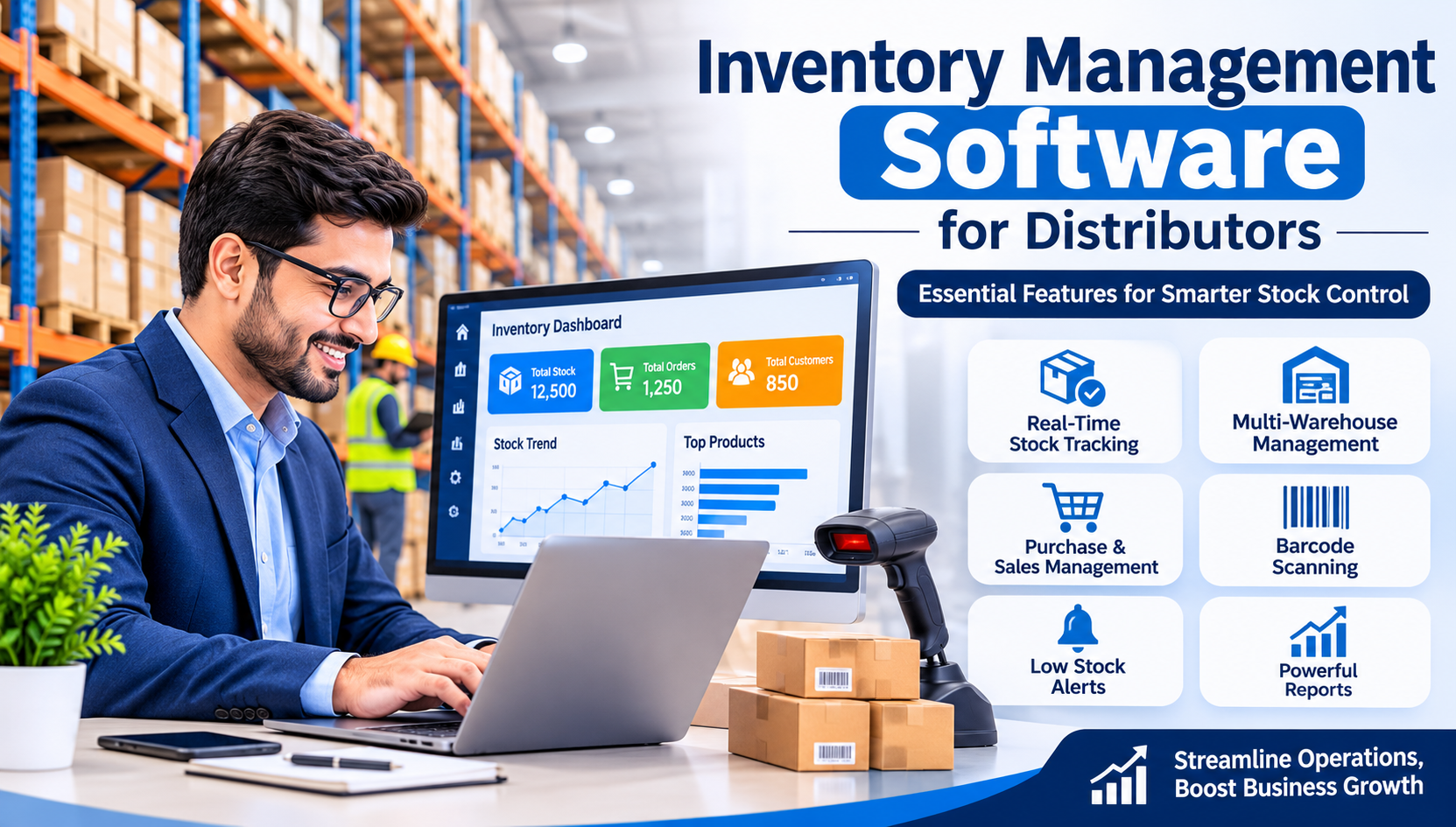
This is where Inventory Management Software for Distributors becomes useful. It helps businesses manage stock, monitor product movement, track purchases and sales, manage multiple warehouses, and make better decisions using accurate inventory data.
In this guide, we will explore the essential features of inventory management software that every distributor should consider before choosing a solution.
What Is Inventory Management Software for Distributors?
Inventory management software is a digital system that helps businesses monitor and control their stock throughout the supply chain.
For distributors, it provides a centralized platform to manage product purchases, warehouse inventory, sales orders, stock transfers, supplier information, and customer deliveries.
Instead of maintaining separate records for different business activities, distributors can manage everything through one system.
For example, when a distributor receives 500 units of a product from a supplier, the software automatically updates the available stock. When 100 units are sold, the inventory quantity is reduced accordingly.
This makes it easier to know how much stock is available, which products need to be reordered, and where inventory is located.
Why Do Distributors Need Inventory Management Software?
Distribution businesses handle multiple products, suppliers, customers, and delivery locations. Managing all these activities manually can become complicated.
Here are some common problems that distributors face without proper inventory management software:
- Stock Inaccuracy: Physical stock and recorded quantities may not match.
- Overstocking: Purchasing more products than required increases storage costs.
- Stock Shortages: Running out of important products can result in lost sales.
- Delayed Order Processing: Manual order verification slows down deliveries.
- Warehouse Management Issues: Tracking products across multiple locations becomes difficult.
- Poor Purchase Planning: Without accurate reports, purchasing decisions become challenging.
- Lack of Business Visibility: Owners cannot easily understand current stock value and product movement.
A well-designed inventory management system helps reduce these problems and improves day-to-day business efficiency.
12 Essential Features of Inventory Management Software for Distributors
1. Real-Time Inventory Tracking
Real-time stock tracking is one of the most important features for distributors.
The software should automatically update inventory whenever products are purchased, sold, returned, or transferred between warehouses.
Distributors can quickly check:
- Available stock quantity
- Reserved stock
- Damaged or expired products
- Incoming inventory
- Products currently out of stock
- Minimum stock levels
This reduces confusion between warehouse teams and sales departments.
2. Multi-Warehouse Management
Many distributors operate from multiple warehouses, storage facilities, or branch locations.
Managing stock separately at each location can become difficult without a centralized system.
Multi-warehouse inventory management allows businesses to:
- Monitor stock at different locations.
- Transfer products between warehouses.
- Check warehouse-wise inventory.
- Track incoming and outgoing stock.
- Maintain separate warehouse records.
- Identify stock availability before confirming orders.
This feature is especially useful for distributors supplying products across different cities or regions.
3. Purchase and Supplier Management
A distributor regularly purchases products from manufacturers, wholesalers, and suppliers.
Inventory software should simplify the entire purchasing process, from creating purchase orders to recording received products.
Important capabilities include:
- Supplier database management
- Purchase order creation
- Goods received notes (GRN)
- Purchase invoice tracking
- Supplier payment records
- Purchase return management
- Supplier-wise purchase reports
These features help maintain organized purchasing records and improve supplier coordination.
4. Sales Order and Billing Management
Processing customer orders quickly is essential for distributors.
Inventory management software should connect sales orders with available stock and billing operations.
For example, when a retailer places an order for 50 units, the system can check stock availability before the order is confirmed.
Useful features include:
- Sales order creation
- Customer-wise pricing
- Tax and GST invoice generation
- Order status tracking
- Sales return management
- Pending order reports
- Delivery challan generation
Connecting inventory and billing reduces duplicate data entry and helps prevent errors.
5. Barcode and QR Code Scanning
When distributors manage hundreds or thousands of products, identifying items manually can take considerable time.
Barcode and QR code scanning make product identification and stock movement faster.
Warehouse employees can scan products during:
- Stock receiving
- Product picking
- Packing
- Stock transfers
- Physical inventory counting
- Dispatch operations
This improves accuracy and reduces manual entry mistakes.
6. Batch Number and Expiry Date Tracking
For pharmaceutical, food, cosmetic, and FMCG distributors, batch and expiry management is extremely important.
The software should record batch numbers, manufacturing dates, and expiry dates for applicable products.
It should also provide:
- Expiry alerts
- Batch-wise stock reports
- Near-expiry product identification
- Batch-wise sales tracking
- Expired stock identification
- First Expiry First Out (FEFO) support
These features help businesses manage product quality and reduce losses caused by expired inventory.
7. Low Stock Alerts and Automatic Reordering
Running out of fast-moving products can affect customer relationships and sales.
Inventory software should allow distributors to set minimum and maximum stock levels for individual products.
When available inventory reaches the defined minimum quantity, the system can generate an alert.
Advanced systems may also suggest purchase quantities based on previous sales, current stock, and supplier lead times.
This helps distributors maintain the right stock levels without unnecessary purchases.
8. Stock Transfer and Return Management
Product movement does not always happen through regular purchases and sales.
Distributors frequently transfer stock between warehouses or receive products returned by customers.
The software should support:
- Warehouse-to-warehouse transfers
- Stock adjustment entries
- Damaged goods management
- Customer sales returns
- Supplier purchase returns
- Return approval workflows
Maintaining proper records ensures that inventory quantities remain accurate.
9. Customer and Dealer Management
Distributors often work with retailers, dealers, wholesalers, and business customers.
A good inventory management system should maintain complete customer records and connect them with sales activities.
Important features include:
- Customer profiles
- Dealer-wise pricing
- Credit limit management
- Outstanding payment tracking
- Customer purchase history
- Salesperson-wise customer records
- Customer-wise sales reports
This makes it easier to manage regular customers and understand their purchasing patterns.
10. Inventory Reports and Business Analytics
Having inventory data is useful, but understanding that data is even more important.
A reporting dashboard helps business owners monitor inventory performance and identify areas that need attention.
Important reports include:
- Current stock report
- Warehouse-wise stock report
- Fast-moving and slow-moving products
- Stock valuation report
- Purchase and sales reports
- Dead stock analysis
- Reorder level report
- Product profitability report
These reports help distributors make informed decisions about purchasing, pricing, and stock planning.
11. Mobile Access and Cloud-Based Management
Business owners and sales managers cannot always remain inside the office or warehouse.
Cloud-based inventory management software allows authorized users to access business information from different locations.
With mobile-friendly access, users can:
- Check stock availability.
- View sales and purchase reports.
- Monitor customer orders.
- Check pending deliveries.
- Review inventory alerts.
- Manage business activities remotely.
Role-based access is important to ensure that employees only see the information relevant to their responsibilities.
12. Integration with Accounting, ERP and Other Business Systems
Inventory management should not work as an isolated system.
Distributors benefit when inventory software connects with accounting, billing, CRM, ERP, e-commerce, and other business applications.
Useful integrations include:
- Accounting and financial management
- GST billing
- Customer relationship management (CRM)
- Payment gateways
- E-commerce platforms
- Sales and purchase systems
- Logistics and delivery management
Integrated software reduces repetitive work and provides better control over overall business operations.
Inventory Management Software vs Manual Inventory Management
Business ActivityManual ManagementInventory SoftwareStock trackingRegular manual updatesAutomatic stock updatesPurchase managementPaperwork and spreadsheetsDigital purchase recordsSales processingSeparate entriesConnected sales and inventoryWarehouse managementDifficult to coordinateCentralized stock visibilityStock alertsManual checkingAutomated notificationsReportingTime-consumingQuick report generationProduct identificationManual searchingBarcode scanningBusiness monitoringLimited visibilityDashboard and analytics
For growing distribution businesses, software-based inventory management can save time and improve operational accuracy.
How to Choose the Right Inventory Management Software for Your Distribution Business
Not every inventory solution is suitable for every distributor. Before selecting software, consider your business requirements.
Here are some important factors:
1. Understand Your Business Size
Check how many products, suppliers, customers, and warehouses you currently manage. Also consider your expected business growth.
2. Check Essential Features
Make sure the software supports stock tracking, purchase management, sales orders, warehouse operations, and reporting.
3. Look for Scalability
Choose a system that can support additional warehouses, employees, products, and business locations as your company expands.
4. Consider Ease of Use
Your warehouse staff, accountants, and sales teams should be able to use the system without complicated training.
5. Check Security and Data Backup
Look for role-based permissions, secure authentication, regular backups, and proper data protection practices.
6. Evaluate Customization Options
Different distribution industries have different workflows. Choose software that can accommodate your pricing rules, stock processes, and reporting requirements.
7. Compare Total Cost
Consider software licensing, implementation, training, maintenance, hosting, and future customization costs before making a decision.
Benefits of Inventory Management Software for Distributors
Implementing the right inventory solution can improve several areas of distribution operations.
Some major benefits include:
- Better control over available inventory.
- Reduced stock discrepancies.
- Faster order processing.
- Improved warehouse coordination.
- Better purchase planning.
- Reduced unnecessary inventory expenses.
- Improved customer service.
- Easier business reporting.
- Better visibility into product performance.
- More organized business operations.
The actual results depend on the quality of the software, business processes, and how consistently the system is used.
Is Custom Inventory Management Software a Better Option?
Ready-made inventory software can be a suitable choice for businesses with standard requirements.
However, distributors with specific workflows may need additional functionality.
For example, a pharmaceutical distributor may require advanced batch and expiry tracking, while an electronics distributor may need serial number management and warranty tracking.
Custom inventory management software can be developed around specific business requirements.
It may include:
- Custom purchase and sales workflows
- Multi-branch and multi-warehouse management
- Dealer and distributor portals
- Advanced stock tracking
- Automated notifications
- Custom reports and dashboards
- Accounting and ERP integration
- Mobile application integration
A customized solution gives businesses more flexibility to manage their operations according to their actual working process.
Final Thoughts
Inventory management plays a major role in the success of every distribution business. Poor stock control can lead to unnecessary expenses, delayed deliveries, and unhappy customers.
Choosing the right Inventory Management Software for Distributors helps businesses maintain accurate stock records, manage multiple warehouses, improve purchasing decisions, and handle customer orders more efficiently.
Before investing in any solution, identify your business requirements and compare the features that matter most to your operations.
If your distribution business is growing and manual inventory management is becoming difficult, it may be the right time to move towards a smarter digital inventory system.
Looking for a reliable software development partner?
BEGRIDS provides website development, custom software development, ERP solutions, and business automation services to help companies improve their digital operations.
Visit https://www.begrids.com/ to explore software development solutions for your business.
Frequently Asked Questions (FAQs)
1. What is the best inventory management software for distributors?
The best inventory management software depends on business size, product categories, warehouse requirements, and budget. Look for features such as real-time stock tracking, purchase management, sales processing, and multi-warehouse support.
2. Can inventory management software manage multiple warehouses?
Yes. Many inventory systems support multiple warehouses, allowing distributors to track stock quantities, manage transfers, and monitor inventory at different locations.
3. Does inventory management software support GST billing?
Many solutions support GST-compliant invoicing, tax calculations, purchase records, and sales reports. Always verify the required GST functionality before selecting software.
4. Is inventory management software useful for small distributors?
Yes. Small distributors can use inventory software to maintain accurate stock records, manage purchases, track customer orders, and reduce manual work.
5. What is the difference between inventory management software and ERP software?
Inventory management software primarily focuses on stock and warehouse operations. ERP software connects inventory with other business departments such as accounting, sales, purchasing, HR, and production.
6. Can inventory management software generate low-stock alerts?
Yes. Most modern inventory systems allow users to define minimum stock quantities and receive notifications when product availability reaches the reorder level.
7. How much does inventory management software cost in India?
The cost depends on features, number of users, warehouses, integrations, customization, and deployment model. Basic solutions may be more affordable, while advanced or custom-built systems require a larger investment.