

Managing a small business involves much more than selling products or providing services. Business owners have to look after customers, employees, payments, stock, suppliers and daily operations. When these activities are managed through different applications, spreadsheets or manual records, keeping everything organised can become challenging.
As a business grows, these challenges often become bigger. Employees spend more time updating records, important information gets scattered and business owners find it difficult to monitor daily performance.
This is one of the reasons why custom software development for small businesses is becoming an important part of modern business operations.
Custom software gives businesses the opportunity to build digital tools according to their actual working requirements. Instead of purchasing an application with unnecessary features, companies can invest in software that addresses their specific problems.
For example, a trading company may need an integrated system for sales, purchases, inventory and customer records, while a service-based company may require appointment scheduling, employee tracking and customer management.
In this guide, we will explore how customised software works, which solutions small businesses can consider, what development may cost in India and how to select the right software development partner.
1. What Is Custom Software Development?
Custom software development means creating a digital application specifically for a business, its employees or its customers.
The development process starts by understanding how the business operates. Based on those requirements, developers plan the software structure, database, interface, features and integrations.
Unlike standard applications, custom-built software can be designed around the company's existing workflow.
Consider a small manufacturing business. It may need to manage:
- Raw material purchases.
- Production activities.
- Finished product inventory.
- Supplier information.
- Customer orders.
- Employee responsibilities.
- Sales and financial reports.
A customised application can connect these activities and allow authorised employees to access the information they need.
The software can also be expanded later when the business introduces new departments, services or operational requirements.
2. Why Are Small Businesses Investing in Custom Software?
Small businesses generally operate with limited time, employees and resources. Therefore, improving everyday work processes can make a significant difference.
Here are some practical ways customised software can support business growth.
Better Control Over Daily Operations
When business information is maintained in different places, employees may struggle to find the latest records.
A centralised software system helps organise important information in one location. Business owners can monitor sales, purchases, customer activity and other operations through a common dashboard.
Less Dependence on Manual Work
Preparing invoices, updating stock records and creating reports manually can consume valuable working hours.
Business automation software can handle many repetitive activities automatically.
For example, when an order is completed, the application can update inventory and generate the relevant sales record without requiring separate manual entries.
Improved Customer Experience
Customers expect businesses to respond quickly and provide accurate information.
A customised CRM application can maintain enquiry details, customer communication, quotation records and follow-up schedules.
This helps employees manage customer interactions in a more organised manner.
More Accurate Business Information
Manual records can create calculation mistakes, duplicate entries and missing information.
A properly developed application can introduce validation rules, controlled data entry and automated calculations.
This helps businesses maintain more consistent records.
Flexibility as the Business Expands
A small company may initially require only billing and inventory management. Later, it might need employee management, accounting integration, customer portals or mobile applications.
Custom software can be planned with future expansion in mind, reducing the need to change the entire system whenever business requirements evolve.
3. Different Types of Custom Software for Small Businesses
There is no single software solution suitable for every organisation. The best option depends on the type of business and the problems it wants to solve.
A. Custom ERP Software
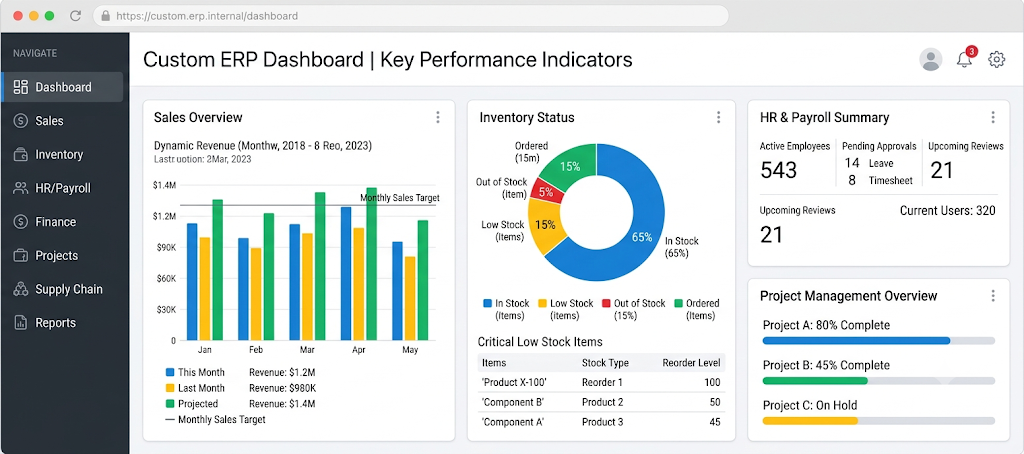
ERP stands for Enterprise Resource Planning. It connects multiple business activities through an integrated platform.
A custom ERP application may include:
- Purchase and sales management.
- Inventory control.
- Accounting information.
- Employee records.
- Supplier management.
- Production tracking.
- Business performance reports.
It can be particularly useful for manufacturers, wholesalers, distributors and growing companies.
B. Custom CRM Software
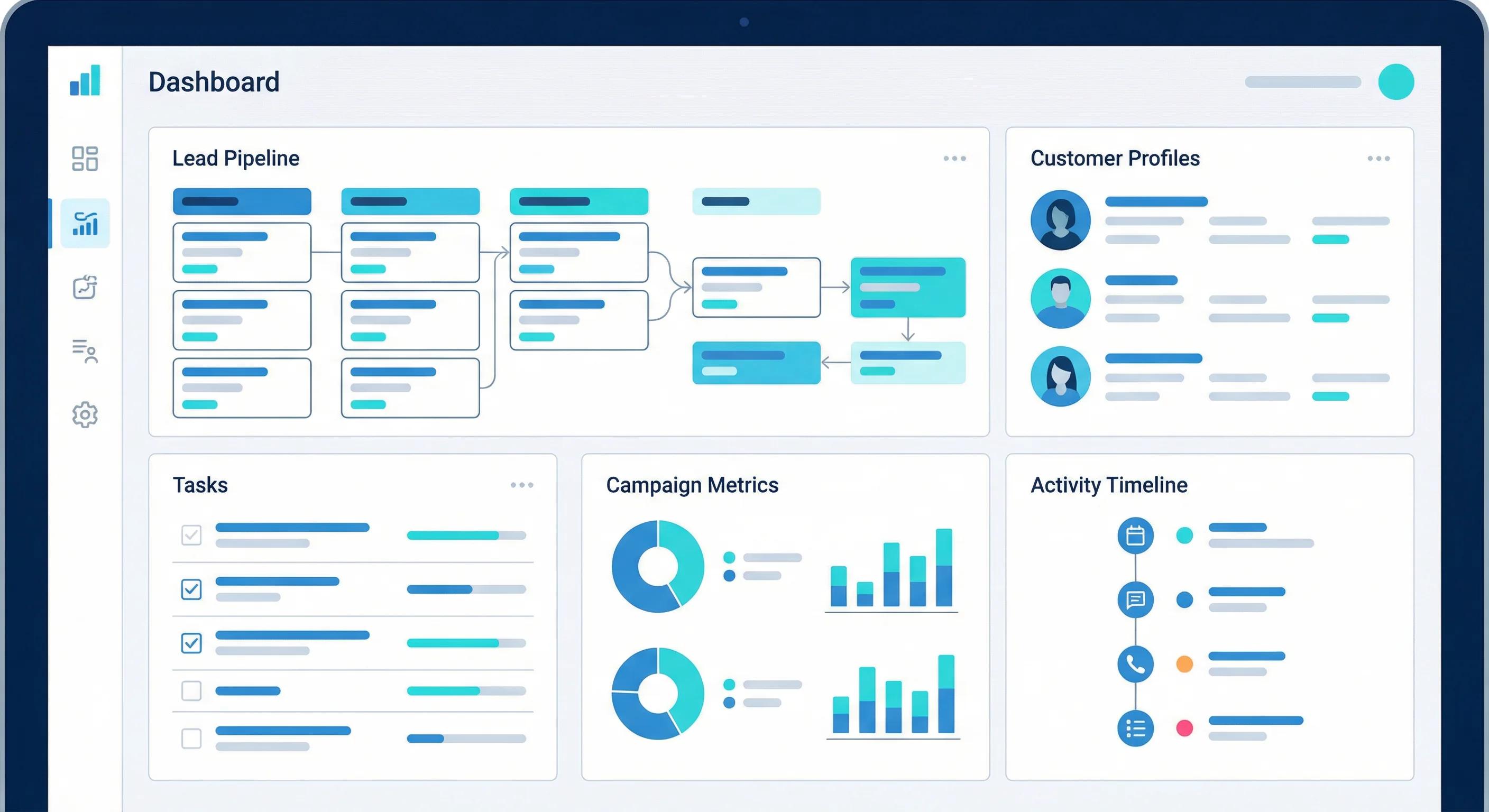
CRM software helps businesses organise their relationships with customers and potential buyers.
Common features include lead management, enquiry tracking, customer profiles, sales follow-ups, quotation management and communication history.
For businesses that regularly receive enquiries through websites, phone calls and social media, a customised CRM can help prevent potential opportunities from being overlooked.
C. Inventory and Billing Management Software
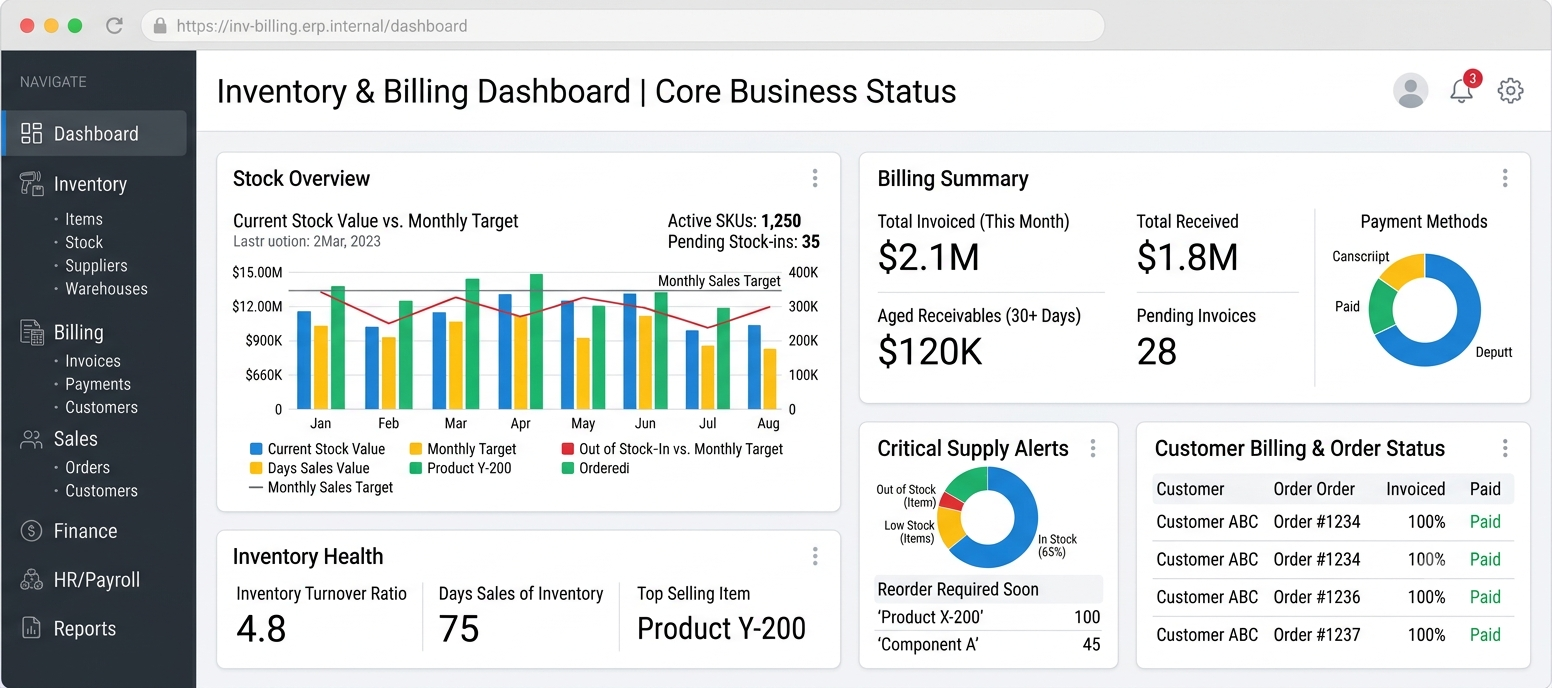
Businesses selling physical products need accurate information about stock and transactions.
Custom inventory software can manage product entries, stock movement, supplier purchases, customer sales, invoices and low-stock notifications.
It can also include GST-related billing requirements according to the business's accounting workflow.
D. Employee and HR Management Software
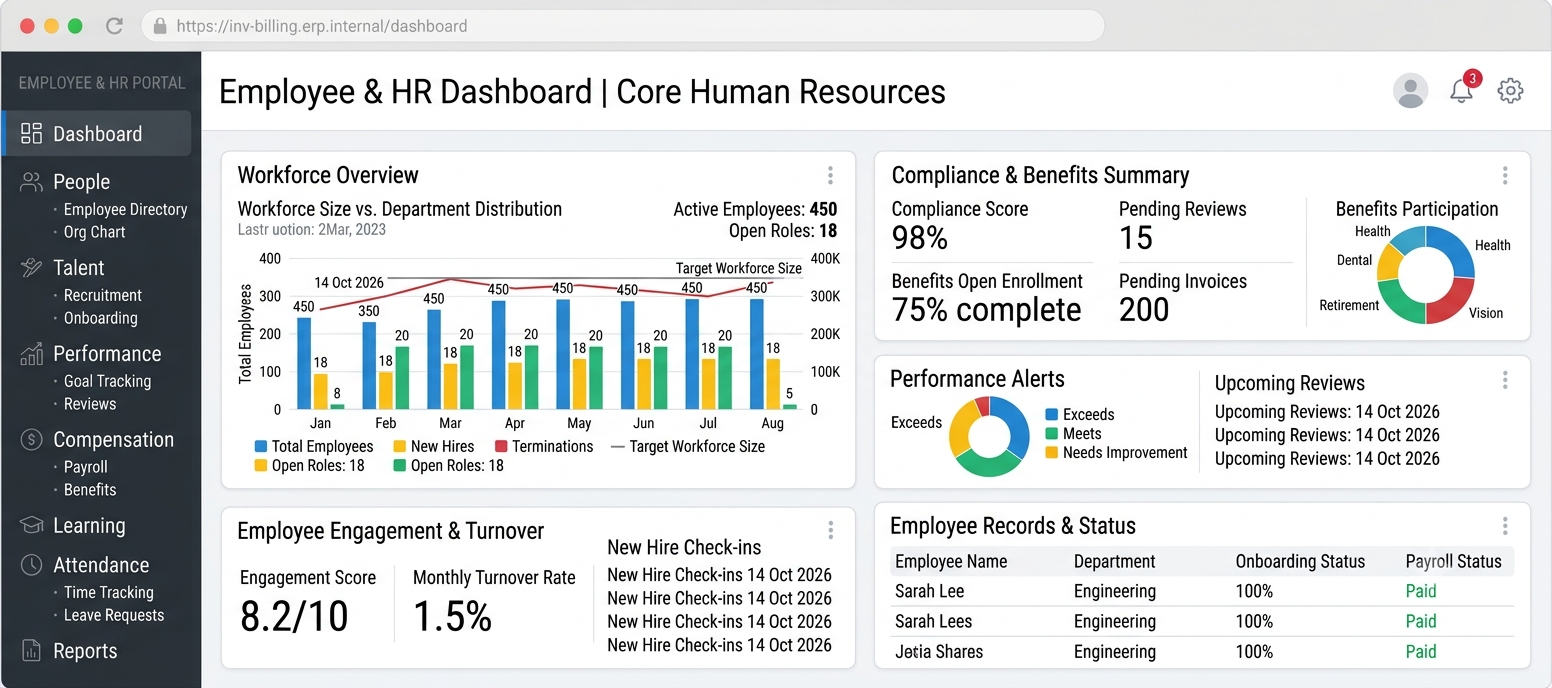
Managing employees through paper records can become difficult when a company starts hiring more staff.
An employee management system can organise attendance, leave applications, employee details, payroll information and department responsibilities.
E. Custom Web and Mobile Applications
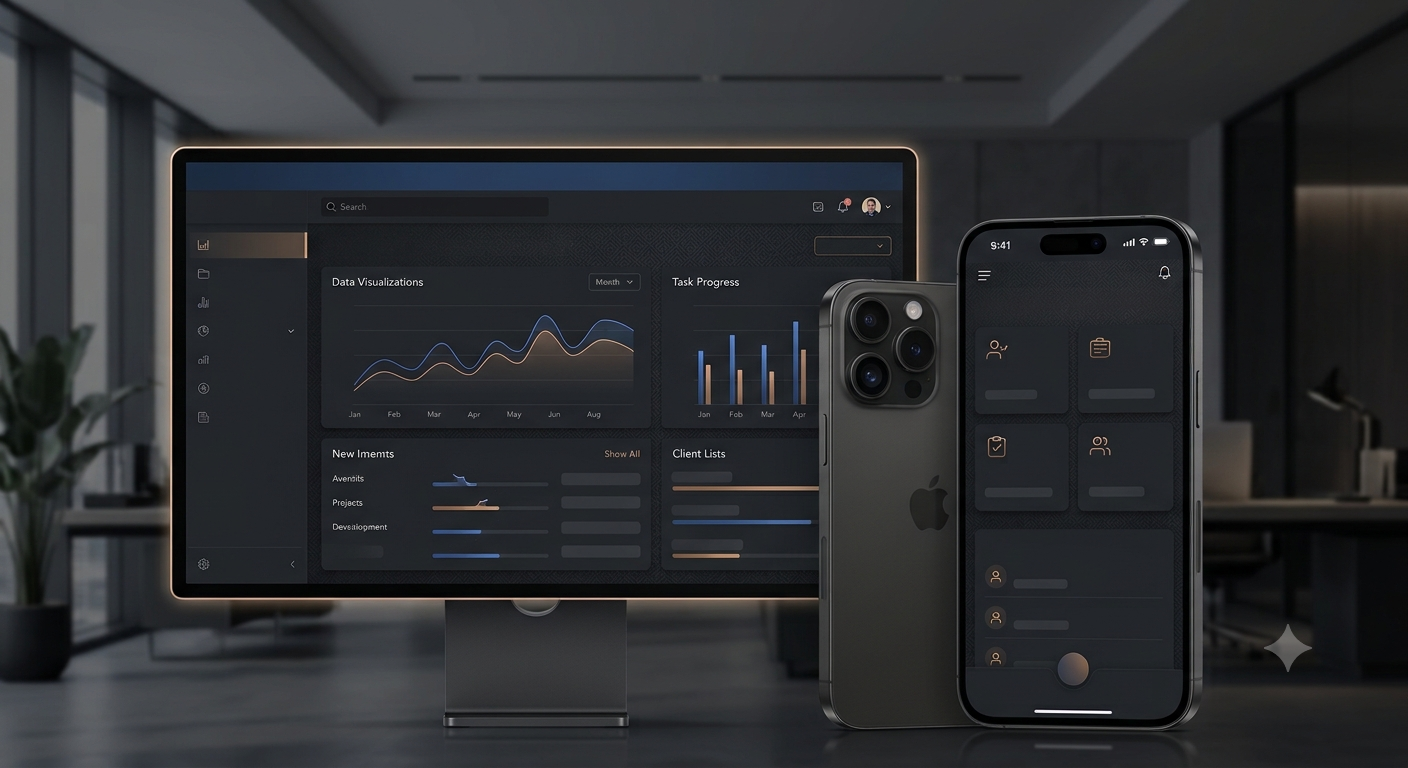
A business may need more than an internal management system.
Custom web and mobile applications can help customers book services, place orders, track requests, access documents or communicate with the company.
These applications can also provide employees with access to business information while working outside the office.
4. Custom Software vs Ready-Made Software
Before investing in a new application, business owners should understand the difference between ready-made and customised software.
Factor
Ready-Made Software
Custom Software
Development
Already developed
Developed for specific needs
Features
Standard functions
Requirement-based functions
Flexibility
Depends on provider
More control over functionality
Initial investment
Often lower
Depends on project scope
Integration
Available supported integrations
Can be planned around business systems
Business workflow
May require adjustments
Can match existing processes
Expansion
Depends on product limitations
Can be extended through development
Ready-made software is a sensible choice when standard features fulfil your requirements.
Custom software becomes worth considering when existing applications cannot properly support your working process or when several disconnected systems are creating operational difficulties.
5. How Much Does Custom Software Development Cost in India?
The cost of custom software development depends on what you want to build.
A simple application with a few screens will require less development effort than an integrated business platform with multiple departments, complex permissions and third-party connections.
Here are indicative budget ranges for initial planning.
Project Type
Indicative Budget
Basic business management application
₹40,000–₹1,00,000
Custom CRM application
₹60,000–₹1,50,000
Inventory and billing software
₹50,000–₹1,50,000
Custom ERP application
₹1,00,000–₹5,00,000+
Custom web application
₹75,000–₹3,00,000+
Business mobile application
₹1,00,000–₹5,00,000+
These are illustrative estimates, not verified market averages or fixed quotations. Actual costs depend on project requirements, integrations, technology and development scope.
What Determines the Final Development Cost?
Project complexity: Applications with multiple modules and advanced workflows require more development work.
User interface: Custom dashboards, reporting screens and responsive layouts influence the overall effort.
Database requirements: Applications managing large amounts of business information require appropriate database planning.
Third-party integrations: Payment gateways, SMS services, WhatsApp APIs and accounting integrations may increase project costs.
Security: Authentication, user permissions, secure data storage and backup arrangements must be considered.
Maintenance: After deployment, software may require upgrades, security patches and technical assistance.
A good approach is to develop the essential modules first and introduce additional functionality based on actual business needs.
6. The Complete Process of Developing Custom Business Software
Building useful software requires a clear development process. Each stage should have defined objectives and proper testing.
Step 1: Understand the Business Requirements
The first step is identifying what the business wants to improve.
Discuss existing problems, employee responsibilities, customer requirements and daily operations with the development team.
Step 2: Define Features and Project Scope
Prepare a detailed list of required modules.
For example, a distribution company might need customer management, product management, purchase orders, stock transfers, sales records and payment tracking.
The project scope should clearly explain what will be included in the first release.
Step 3: Plan the Design and Technology
The design should make everyday activities simple for employees.
The technology stack should be selected according to performance, security, maintenance and future expansion requirements.
Common options include PHP, CodeIgniter, Laravel, Node.js, React, MySQL and PostgreSQL.
Step 4: Develop the Application
Developers create the frontend, backend, database structure and required integrations.
Each module should be developed according to the approved requirements.
Step 5: Perform Quality and Security Testing
Testing should cover the complete application rather than just checking whether individual screens open.
Important areas include login security, user permissions, data validation, calculations, reports, database operations and mobile responsiveness.
Step 6: Deploy and Train Employees
Once the application passes testing, it can be deployed to the selected server or hosting environment.
Employees should receive basic training so they can use the system correctly.
Step 7: Maintain and Improve the Software
After launch, collect feedback and monitor application performance.
Future updates can introduce additional features, improve security and address changing business requirements.
7. Essential Features of Reliable Business Software
A business application should be practical, secure and easy to maintain.
Depending on the project, consider these features:
Feature
Purpose
Admin dashboard
Centralised business overview
Multiple user roles
Different employee permissions
Automated reporting
Faster access to business information
Cloud access
Work from different locations
Database backup
Better data protection
Activity history
Monitor important user activities
API integration
Connect external services
Responsive interface
Support desktop and mobile devices
Notifications
Communicate important updates
Security controls
Protect business information
Remember that adding more features does not automatically make software better. The right features are those that solve actual business problems.
8. Common Mistakes to Avoid During Software Development
Some software projects become expensive because important decisions are made without proper planning.
Avoid these common mistakes:
Starting without documentation: Unclear requirements can create confusion between the business owner and development team.
Ignoring employee feedback: Employees who use the application daily should be involved in understanding the workflow.
Selecting a developer only by price: Technical expertise, communication and support are equally important.
Overcomplicating the first version: Start with the essential functions rather than developing every possible feature at once.
Ignoring security: Customer records, financial details and company information require appropriate protection.
Not discussing future ownership: Clarify source code ownership, database access, deployment credentials and maintenance responsibilities in the development agreement.
9. How to Select the Right Software Development Company in India
Choosing a development partner is just as important as choosing the software itself.
Before making a decision, evaluate the company on the following points:
- Review its previous software development projects.
- Check experience with your industry or business requirements.
- Understand its development and testing process.
- Ask for a detailed project proposal.
- Discuss development timelines and payment milestones.
- Confirm source code and intellectual property arrangements.
- Understand post-launch support and maintenance.
- Discuss security and backup procedures.
A reliable development company should be able to explain the technical solution in simple language and show how it will address your business requirements.
10. How BEGRIDS Helps Small Businesses Build Custom Software
Every business has its own way of working. At BEGRIDS, the focus is on understanding these differences and developing practical digital solutions around business requirements.
We work on software and application solutions that help organisations improve their daily operations and manage information more efficiently.
Our development services include:
- Custom software development.
- ERP and CRM development.
- Inventory and billing applications.
- Business process automation.
- Custom web application development.
- Mobile application development.
- API and database integration.
- Existing software improvement and maintenance.
Whether you need a new business application or want to improve an existing system, the development process should begin with understanding your requirements.
Visit BEGRIDS to explore our digital and software development services.
Conclusion
Small businesses do not always need complicated technology to improve their operations. Sometimes, a well-planned application that solves a few important problems can make everyday work considerably easier.
Custom software development gives business owners the flexibility to build applications around their requirements rather than changing their entire working process to fit a standard product.
From customer management and billing to ERP platforms and mobile applications, the right software can help businesses organise their operations and prepare for future expansion.
Before starting a project, identify your business challenges, define the essential features and select an experienced development partner.
Looking for custom software development for your small business? Connect with BEGRIDS to discuss your requirements and explore a practical software solution.
Website: https://www.begrids.com/
Frequently Asked Questions
1. Is custom software development suitable for small businesses?
Yes. Small businesses can develop applications according to their operational needs. They can begin with essential features and expand the system when required.
2. How much does small business software development cost?
The cost depends on the number of modules, complexity, integrations and security requirements. A basic application may cost considerably less than a complete ERP platform.
3. Can custom software automate business operations?
Yes. Custom applications can automate activities such as billing, inventory updates, customer follow-ups, report generation and employee workflows.
4. How long does custom software development take?
A basic application may take several weeks, whereas a complex business management platform may require several months.
5. Can I add new features after software development?
Yes. Properly planned software can be extended with additional modules, integrations and functionality as business requirements change.
6. Is custom software better than ready-made software?
Neither option is universally better. Ready-made software works well for standard requirements, while custom software is useful when a business needs specific functionality or workflows.
7. Which technology is best for custom business software?
The choice depends on project requirements. PHP, CodeIgniter, Laravel, Node.js, React, MySQL and PostgreSQL are some commonly used technologies.
8. Why should I hire a custom software development company?
An experienced company can help with requirement analysis, software architecture, development, testing, deployment and ongoing maintenance.